01The problem with screenshot tools
Most capture extensions route your image through their servers: they ask for an account, add a watermark, cap the recording, or upload the picture "to process it". A capture can hold client data, invoices, messages, medical records. That is the wrong thing to hand to a third party.
- Accounts and sign-ups before you can capture
- Uploads and cloud processing you can't verify
- Watermarks and time limits on the free tier
- Blank images when the tab isn't ready to capture
02A capture tool that can't see your screen
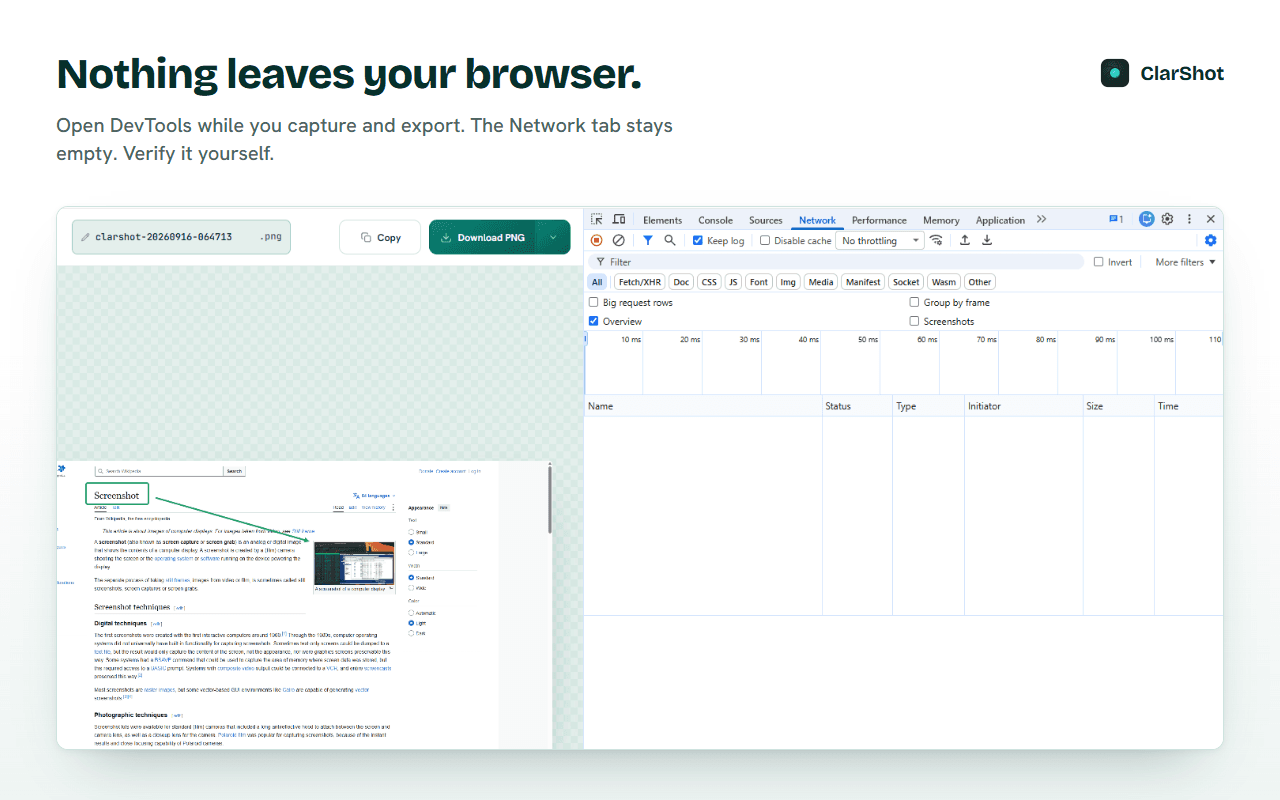
We built ClarShot local-first: in free mode it makes zero network requests. No account, no telemetry, no server. Everything - capture, annotation, redaction, export, recording - runs on the device.
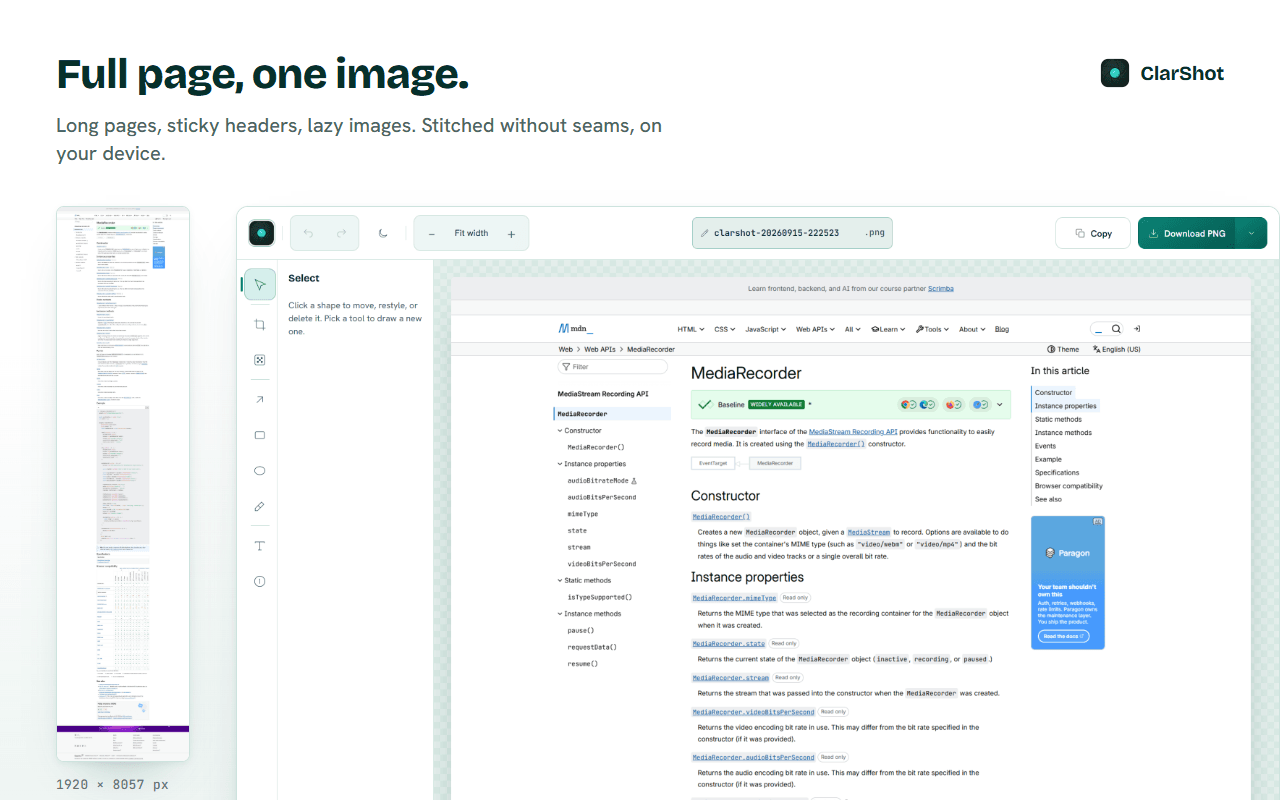
Full-page capture
Scrolls the page and stitches it, including sticky headers and lazy images. Stop early and keep what you have.
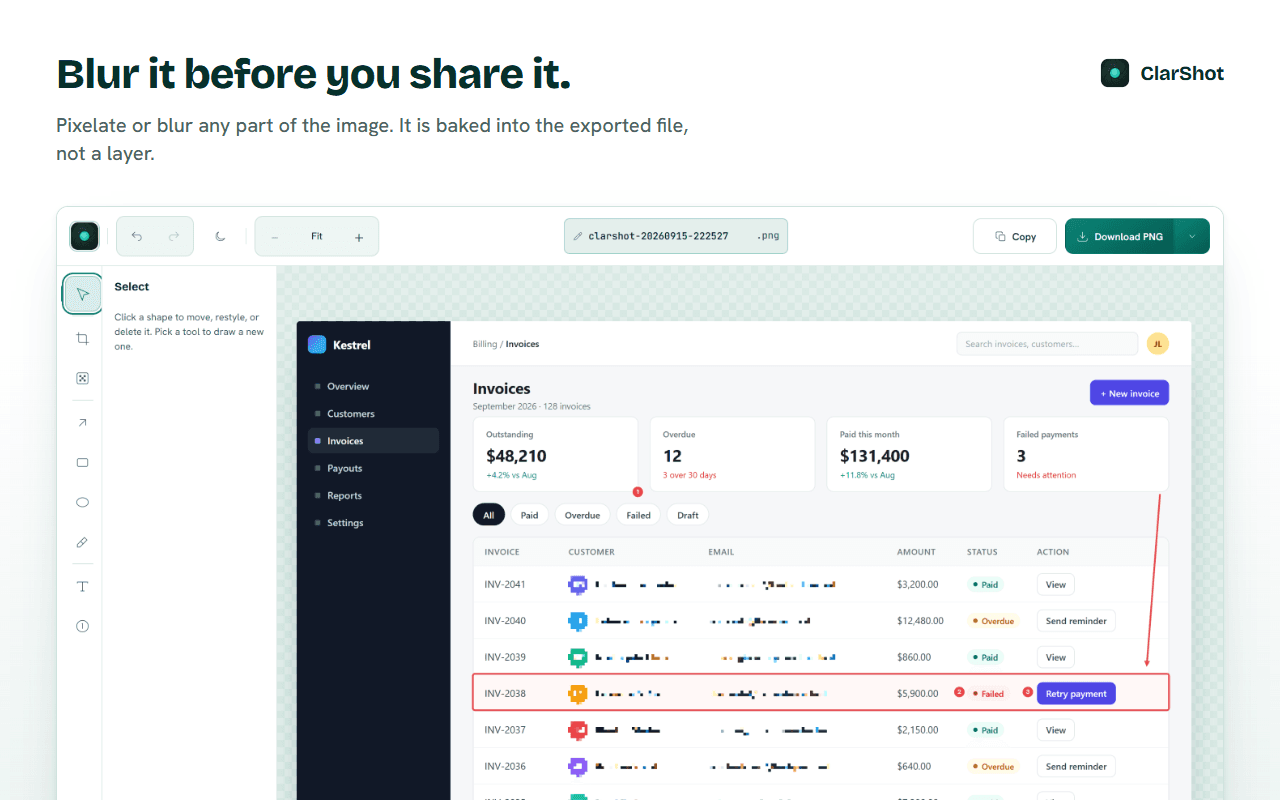
Redaction burned into the file
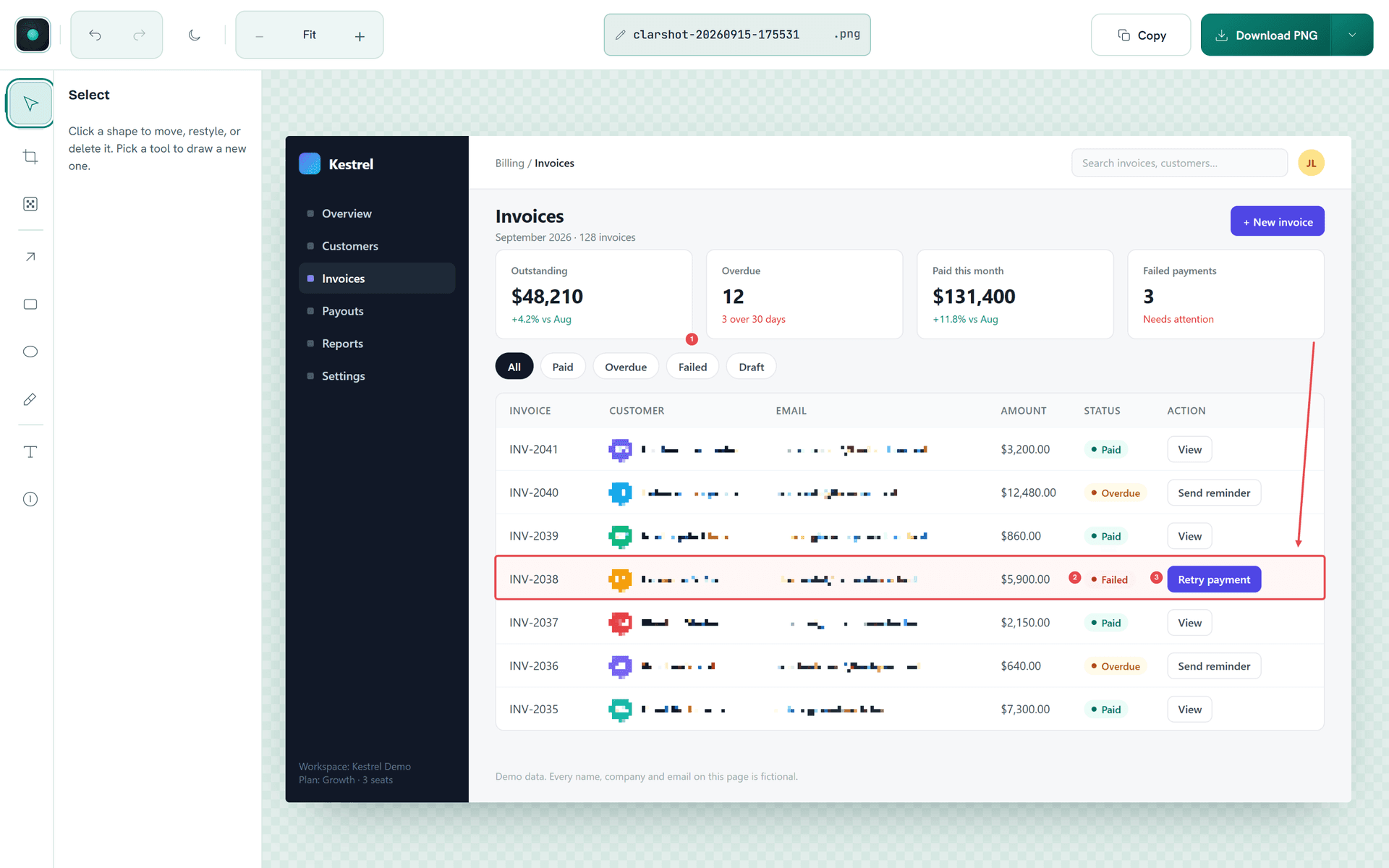
Blur or pixelate a region and it is flattened into the exported pixels, not layered on top.
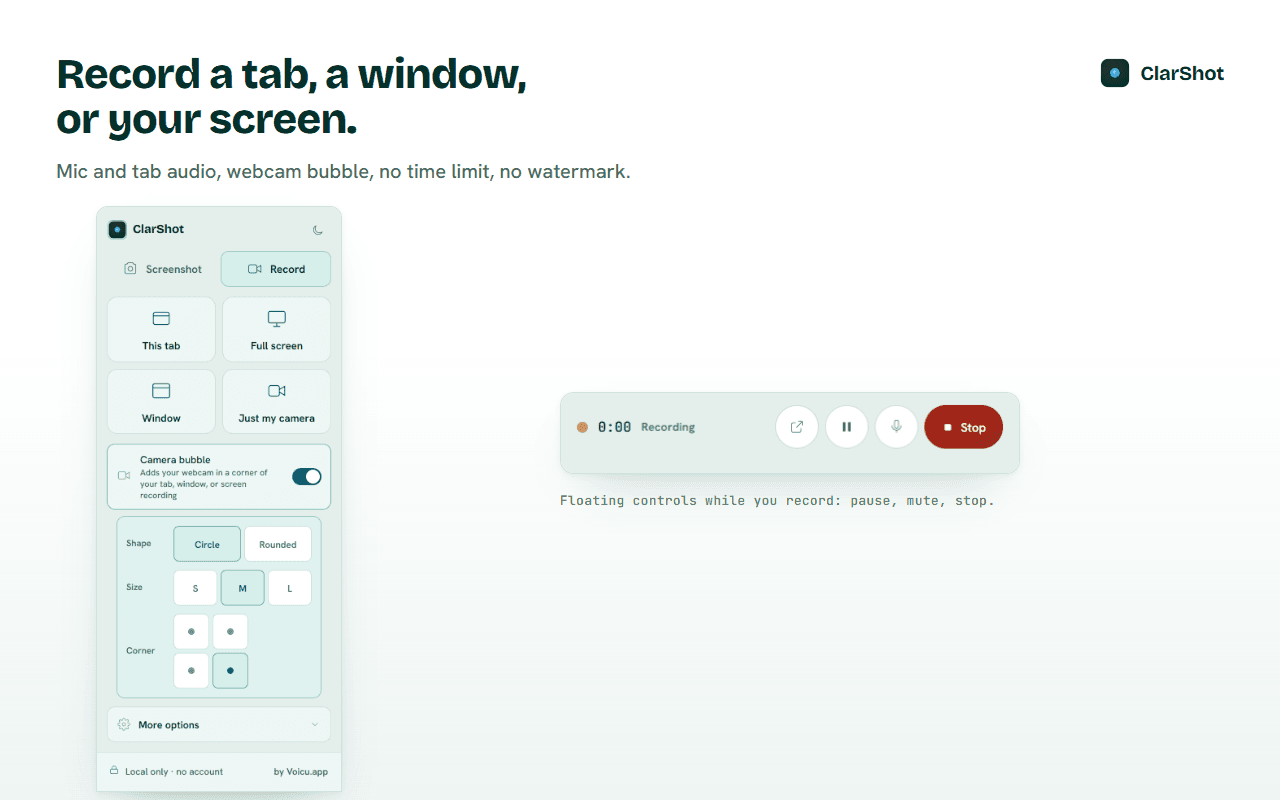
Recording with no time limit
Tab, window or screen, with microphone and tab audio, MP4 where supported. Free disk space is the only cap.
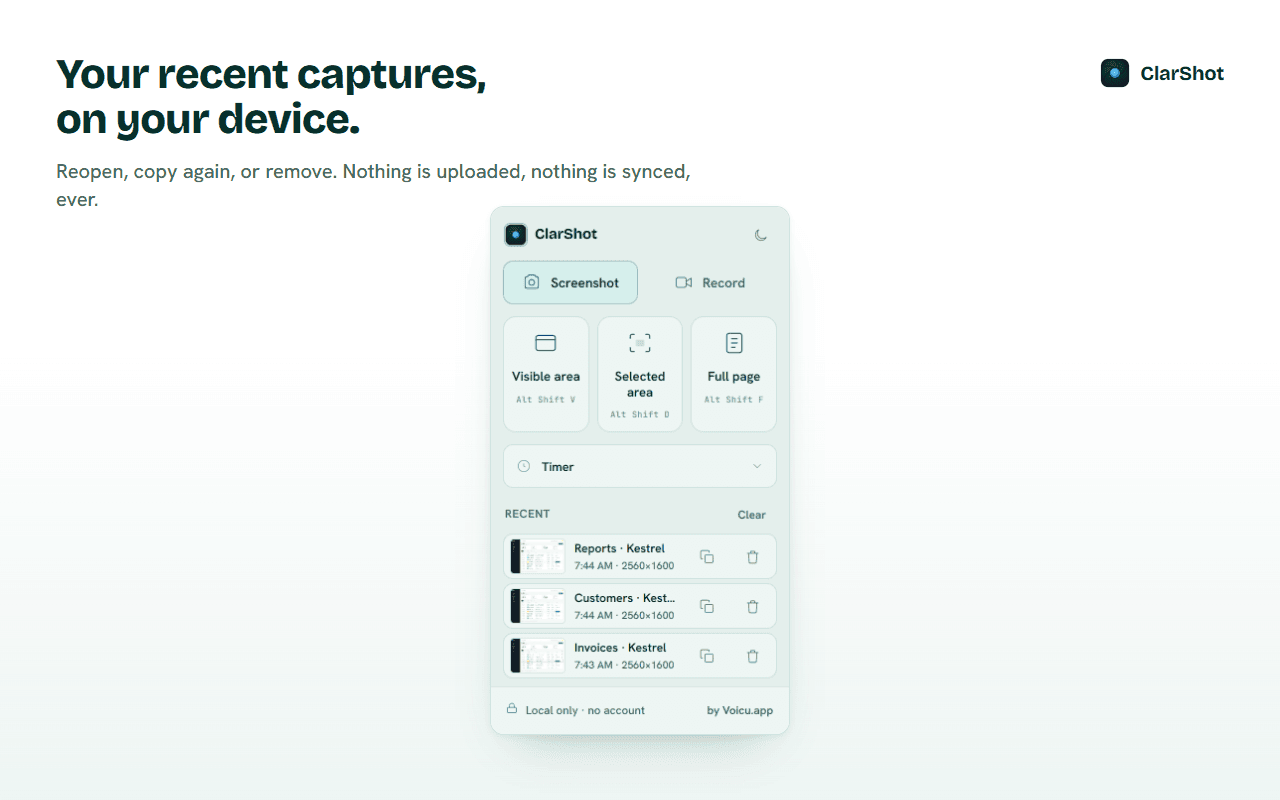
Recent, on device
The last 10 images you saved or copied stay in the popup until you remove them. Never synced.
Export, your way
PNG, JPEG, WebP or PDF, or copy to the clipboard. One click makes a PNG much smaller and keeps it a .png.
Technical architecture
What it delivers
In free mode. Verifiable in DevTools.
Each explained. None for "all websites".
Free disk space is the only cap.
No account, no server, no telemetry.
From the product