
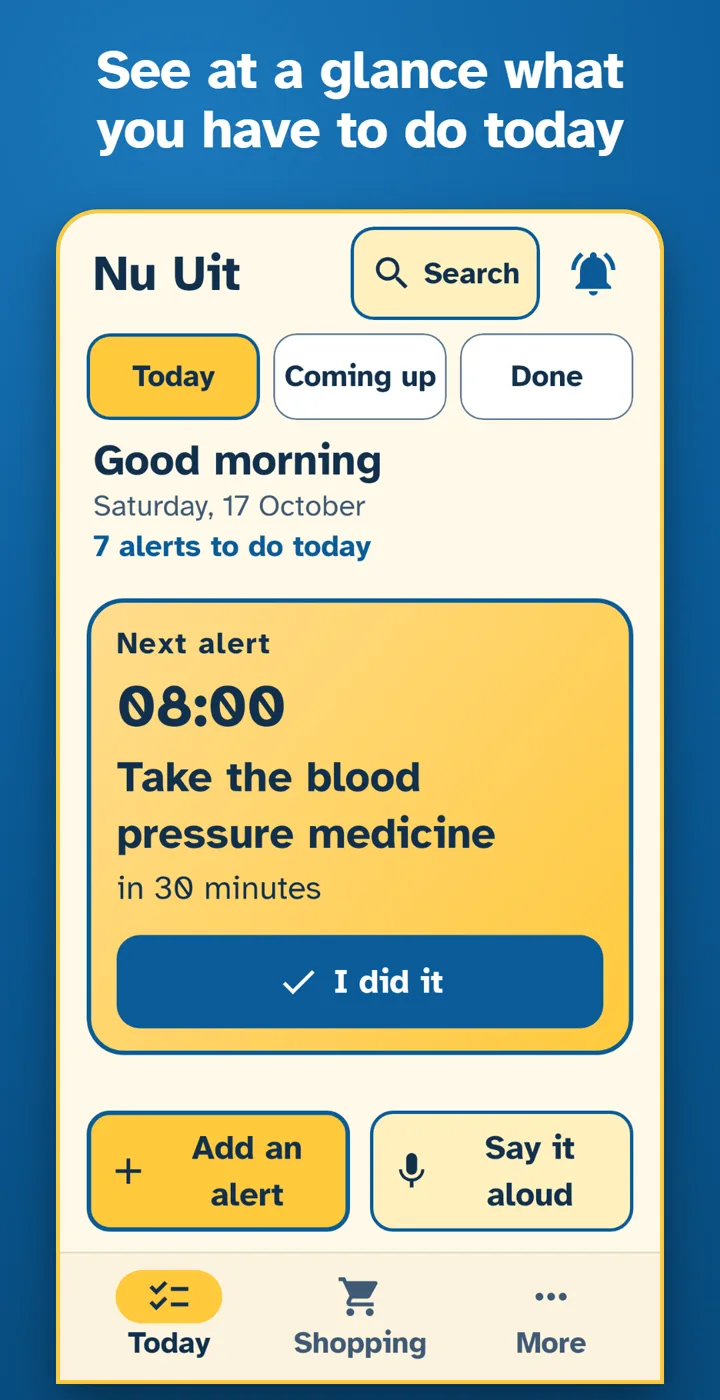
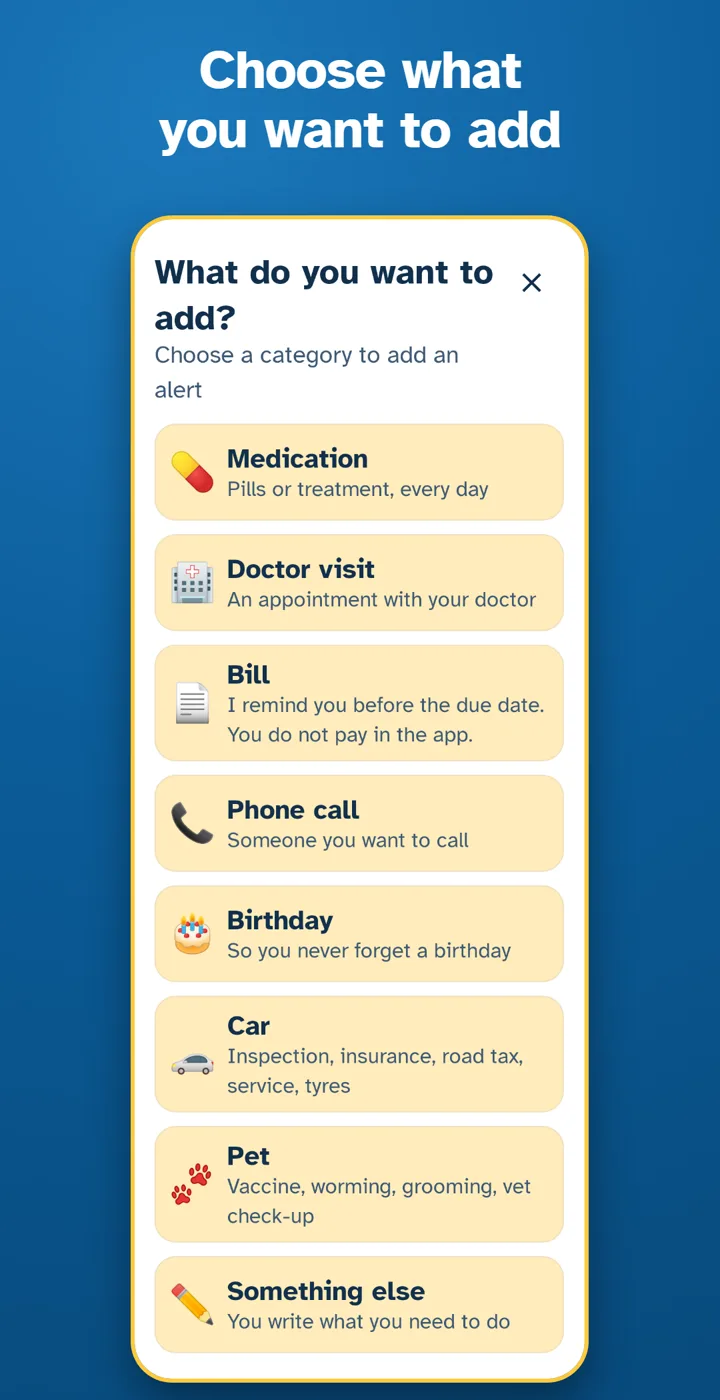
What you can remember
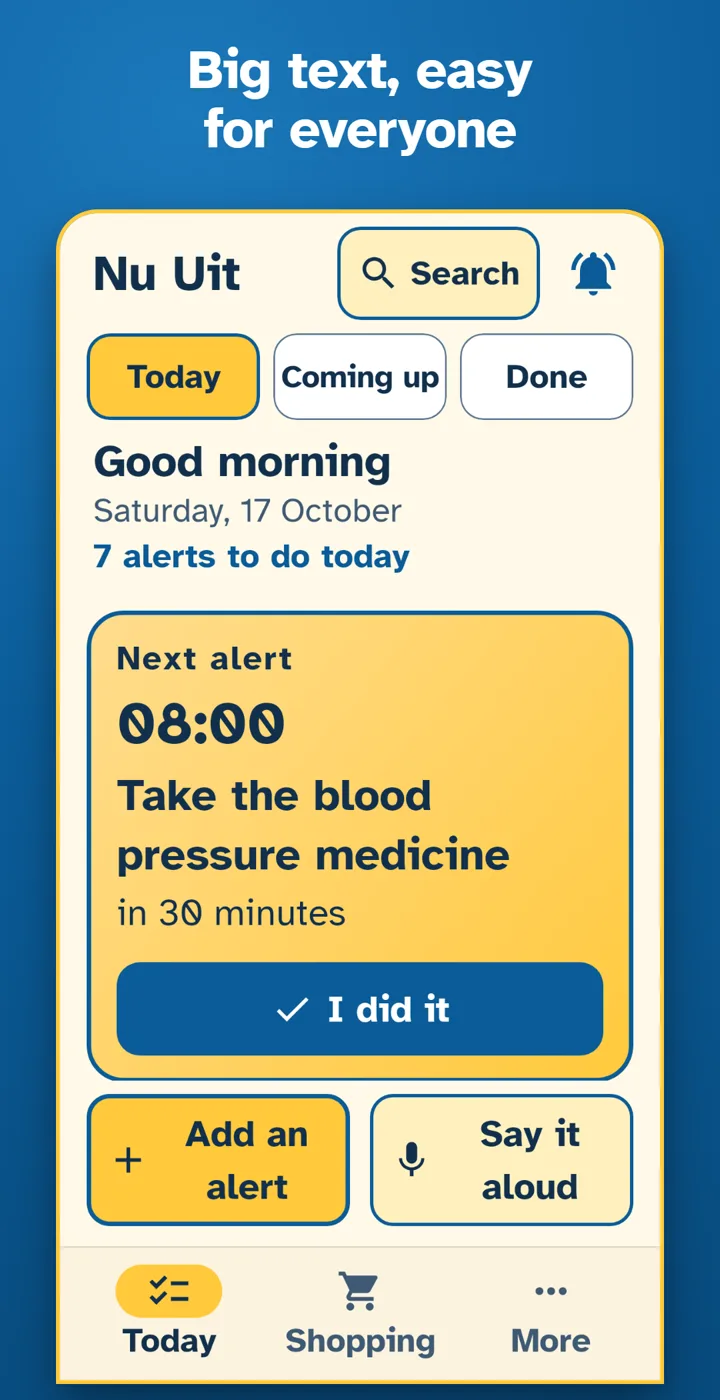
- Medicine: a reminder at the time you choose
- Doctor visits and appointments
- Bills and due dates
- Phone calls to make
- Birthdays
- Car papers and care: ITP (technical inspection), RCA (car insurance), road tax, service, tyres
- Your pet: vaccine, worming, grooming, the yearly vet check-up, a daily treatment
- Anything else you write or say
Made to be easy
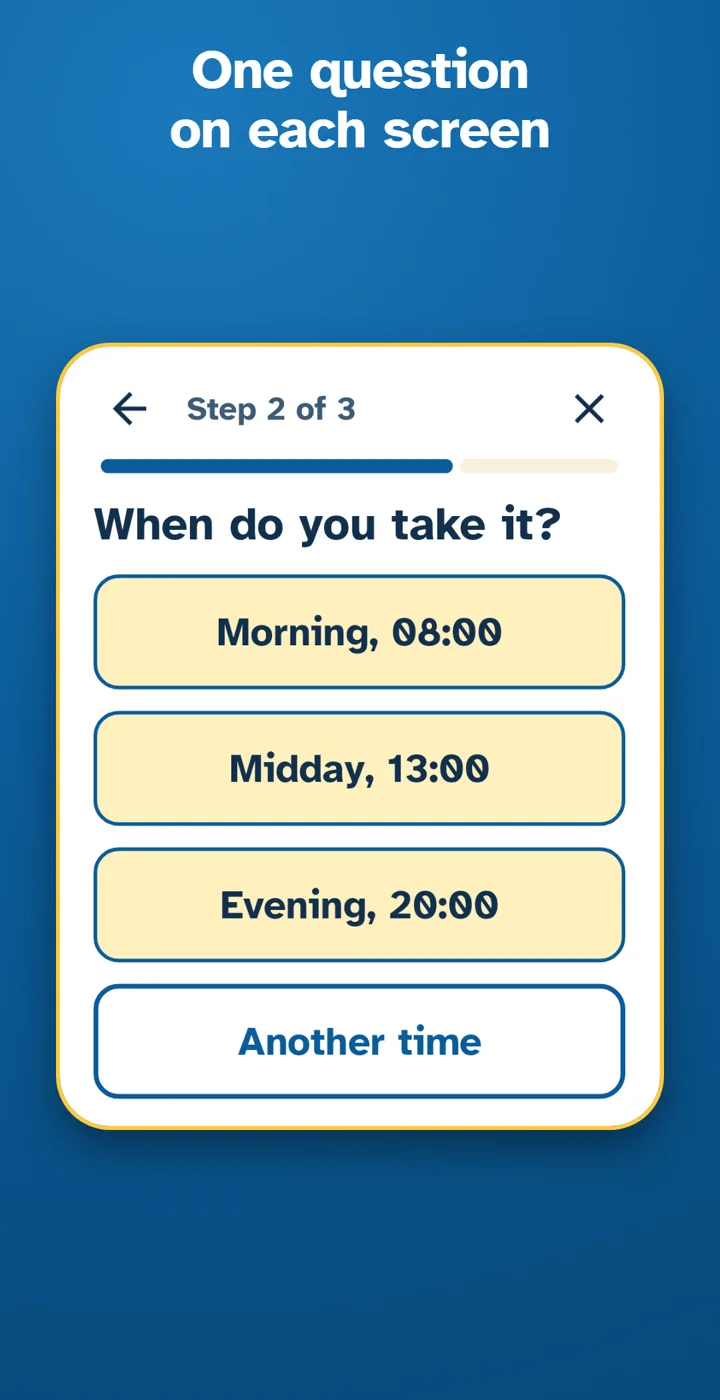
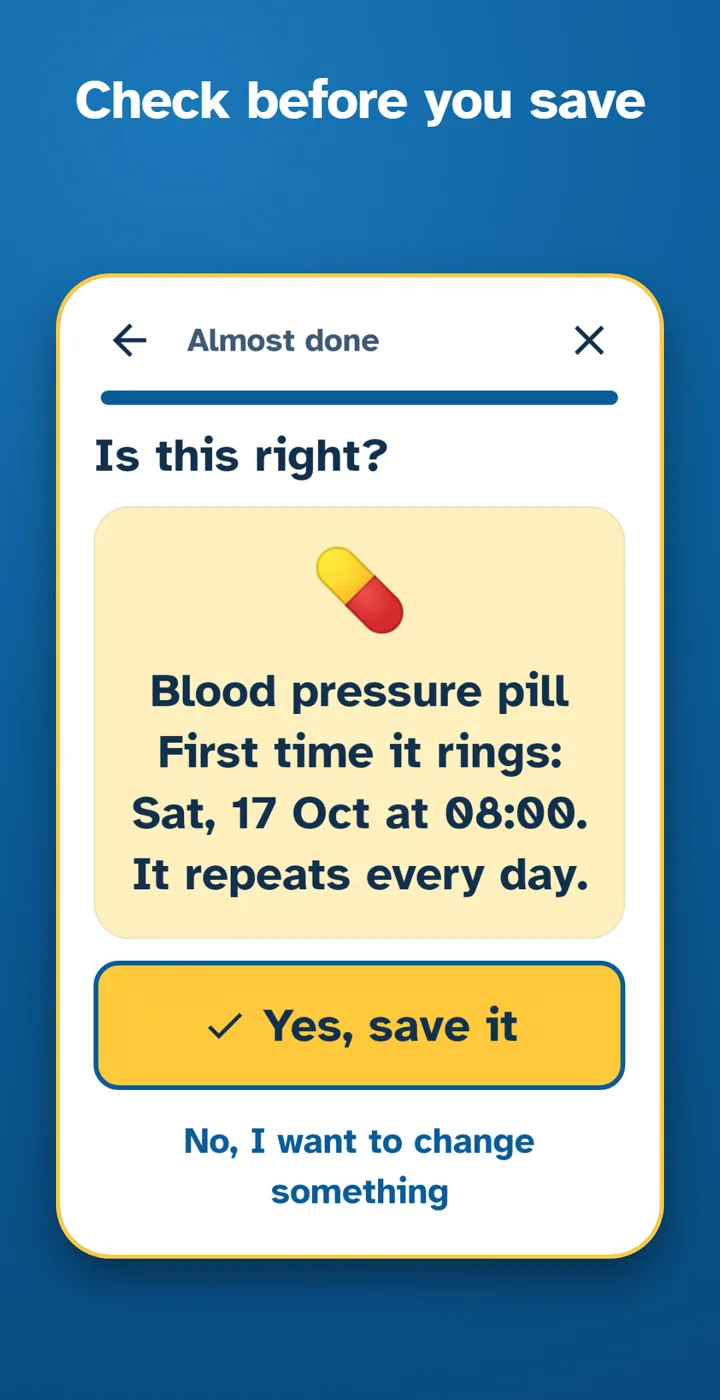
- One question per screen. No long forms.
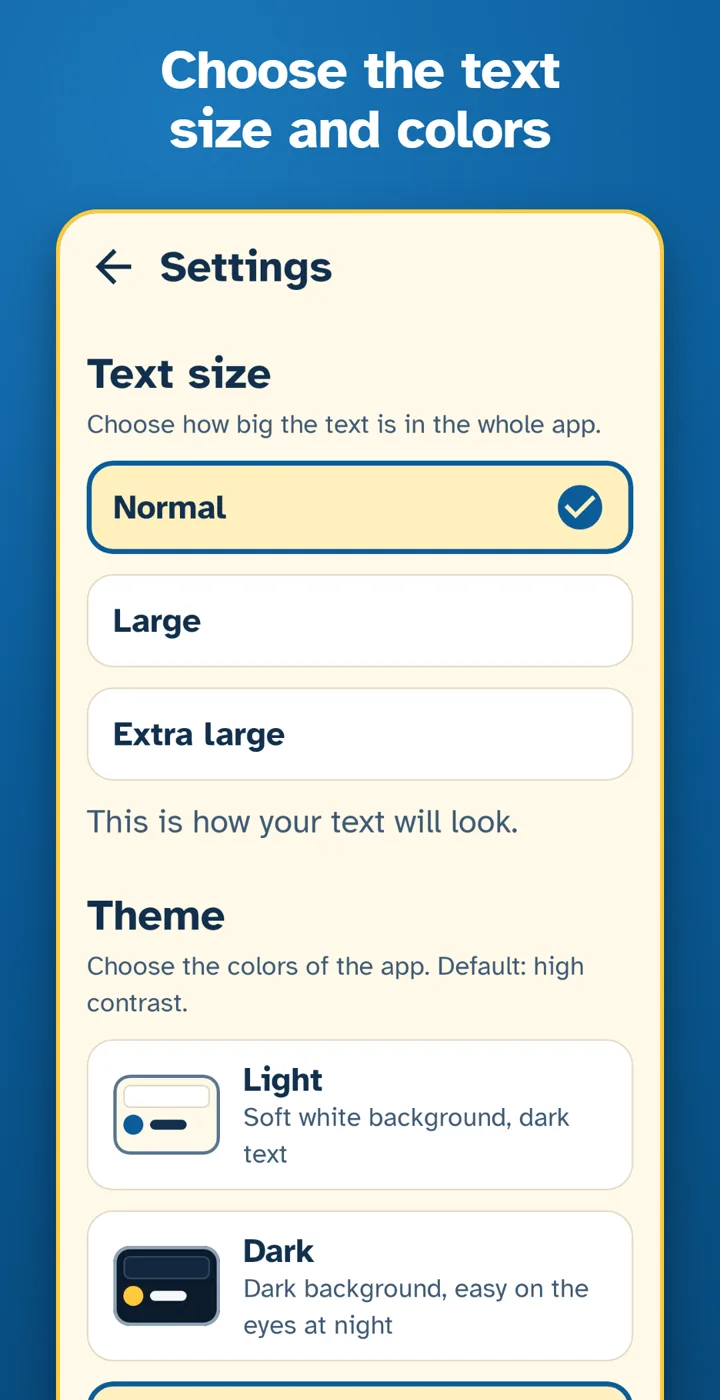
- Large text, clear buttons and a high contrast theme
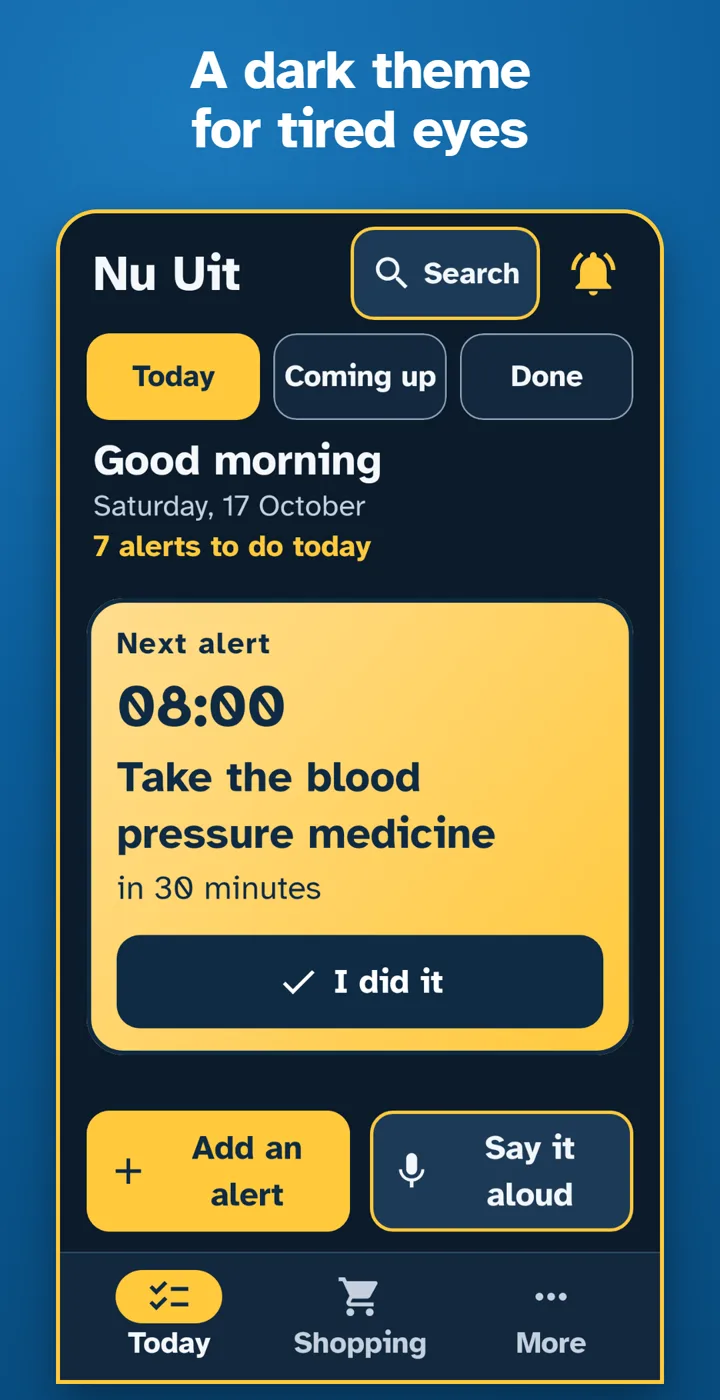
- Three looks to choose from: light, dark and high contrast
- Dictation (optional, off until you turn it on in Settings): tap the microphone and speak instead of typing
- Choose a pleasant alert sound you can hear well.
Stay on top of things
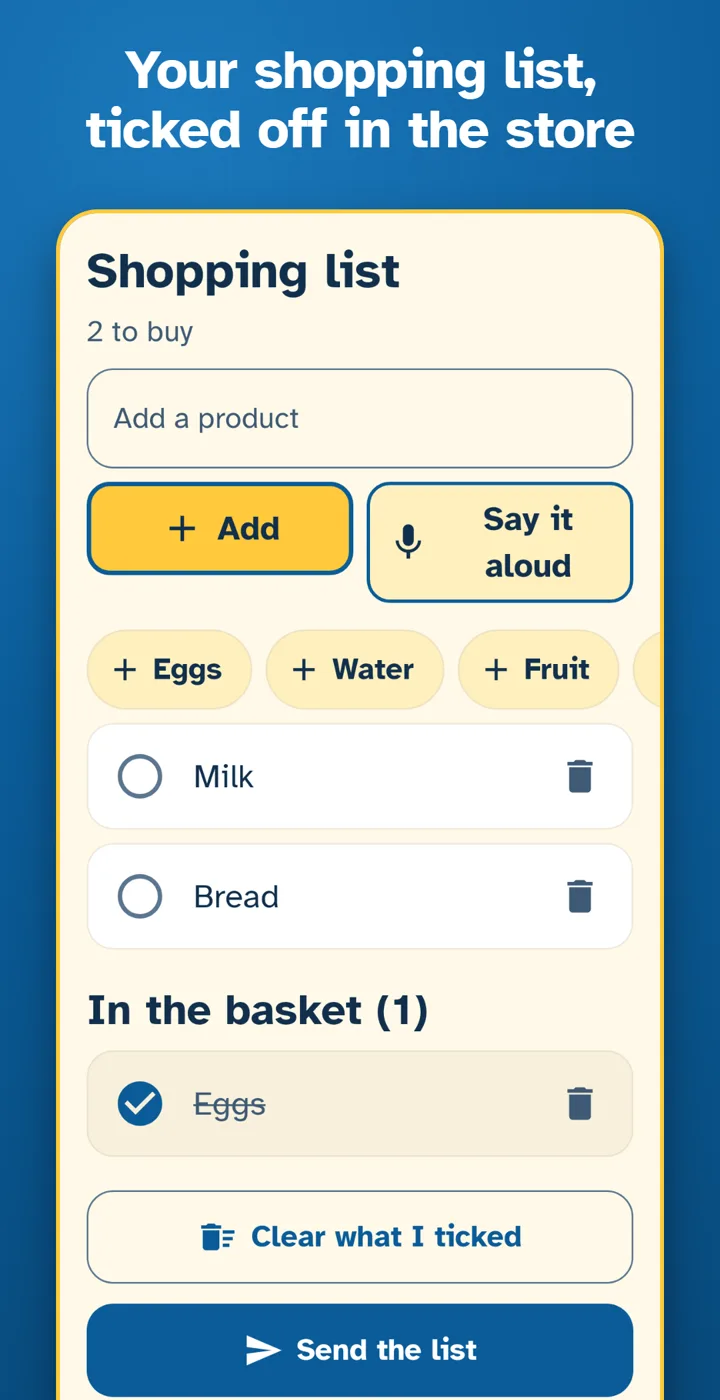
- A shopping list with ticks, so you can check things off in the shop
- An icon on the home screen that shows what is coming today
- Simple statistics, so you see what you have done
From the app
Your data stays with you
- No ads
- No account and no sign-in
- No tracking and no analytics
- The app has no permission to use the internet
- Your alerts and lists are stored on your phone
- If your phone's backup is on, Android may keep a copy in your own Google account
Share only when you choose
You can make a PDF, a CSV file, an image or a backup copy. The app hands the file to your phone's own share menu, and you decide where it goes. The app sends nothing by itself.
Permissions, explained
- Notifications
- to show your alerts
- Alarms and reminders
- so alerts ring at the exact minute you chose
- Microphone
- only if you turn on dictation in Settings. Your phone's built-in speech service turns your voice into text. The app does not record or keep audio. The phone's speech service may send the voice to its provider, depending on your phone and settings.
- Vibration
- so you feel the alert
- Start on restart
- to set your alerts again after the phone restarts
Questions
Is Nu Uit free?
Yes. No ads, no account and nothing to buy inside the app.
Which phones does it work on?
Android phones with Android 7.0 or newer. There is no iPhone version.
Does it need the internet?
No. The app has no permission to use the internet. Your alerts and lists stay on your phone.
What if an alert does not ring?
Tap the bell at the top of the Today screen, or open More, then "Check my alerts". The app checks with you, step by step, that alerts are allowed, that their sound is on, that they can ring at the exact time and that the phone does not put the app to sleep. At the end you can try a test alert.
What happens when the phone restarts?
Nothing is lost. The app sets your alerts again by itself after the phone restarts.
Can I move my alerts to a new phone?
Yes. Make a backup copy in the app and put it back on the new phone. If your phone's backup is on, Android may also keep a copy in your own Google account.
Questions or ideas?
Write an email. It goes straight to the person who built the app.
Want an Android app like this?
I build native Android apps in Kotlin and Jetpack Compose: large text, exact alarms and no server of my own behind them.
How it is built
- Kotlin and Jetpack ComposeA native Android app, from Android 7.0 to the newest versions
- A database on the phoneRoom keeps alerts and lists on the device; there is no server
- Exact alarmsThey ring at the minute chosen and are set again after a restart
- 1,249 automated testsOne of them fails if the app asks for any permission beyond the five above
Google Play and the Google Play logo are trademarks of Google LLC.